Codes
No verified Destruction Engine Testing codes yet. Learn how Roblox promo redemption works and check back when official gifts drop.
View all CodesRoblox gadgets, maps, codes, and destruction guides.
Unofficial Roblox wiki for Destruction Engine Testing: gadgets, maps, performance tips, codes, and scripts for every chaos session.
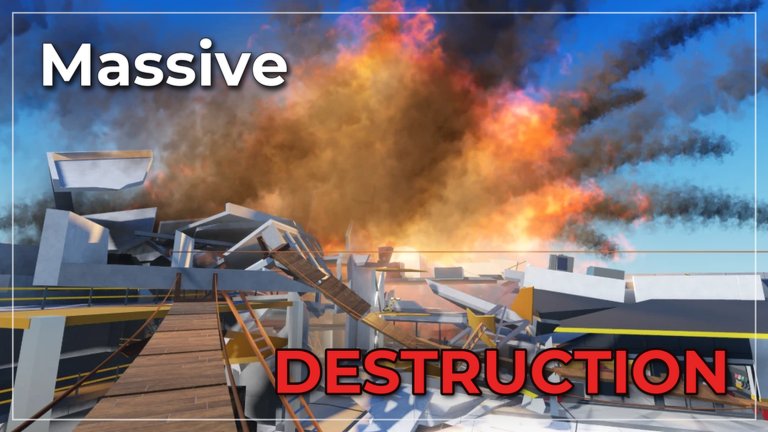
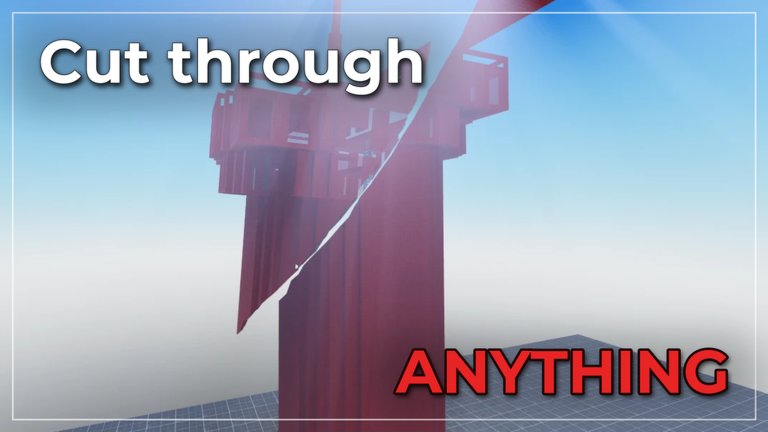
Destruction Engine Testing is a Roblox Physics Sim by Coolguydeath7890 that pushes voxel-style destruction and overpowered gadgets across stress-test maps—inspired by Teardown. Start with the beginner guide, compare tools on the gadget tier list, then tune FPS in performance tips.
No verified Destruction Engine Testing codes yet. Learn how Roblox promo redemption works and check back when official gifts drop.
View all CodesDestruction Engine Testing guides: getting started, how to play, gadgets, maps, performance, controls, and multiplayer tips for Roblox.
View all GuidesCommunity gadget and bomb tiers for Destruction Engine Testing—hammers, guns, RPGs, charges, and nukes. Early-dev and patch-sensitive.
View all Tier ListMeet Coolguydeath7890 and the Destruction Engine Testing community—follow updates, join 8-player servers, and stay early-dev ready.
View all PlayersTrack Destruction Engine Testing patches: early-dev update culture, Nov 2026 cadence notes, and how to spot map or gadget changes.
View all UpdatesSafety-first scripts guide for Destruction Engine Testing: common player requests, malware risks, and why we publish no loadstrings.
View all ScriptsControls and settings hub for Destruction Engine Testing: graphics, FPS, keybinds, and lag tips when heavy destruction debris piles up.
View all ToolsDestruction Engine Testing wiki overview—Teardown-inspired Roblox physics sandbox by Coolguydeath7890 with gadgets, maps, and co-op.
View all LinksThe official page recommends a decently strong device. Lower graphics first, then open the performance guide if FPS drops when debris piles up.
Spawn, grab melee or explosives, and test structural weak points. Confirm binds in the controls guide, then use how to play and gadgets for the loop.
Dense urban and school-style maps look spectacular but stress physics harder. Use the maps guide to choose layouts for chaos or for stable FPS.
Compare crowd-favorite bombs on the tier list, skim November 2026 updates for re-test habits, and keep following the updates hub.
No verified codes are live yet. Bookmark the codes hub and follow Coolguydeath7890 so you redeem the next drop the same day.
Quick answers to the most common questions.
A Roblox Physics Sim by Coolguydeath7890 where you stress-test destructible maps with overpowered gadgets. It is inspired by Teardown and still in early development, so expect bugs and frequent patches. Read the game overview and getting started pages.
Yes. It is free to play on Roblox. Some future cosmetics or gamepasses may appear, but the core destruction sandbox does not require a purchase to join.
Voxel-style debris, explosions, and incomplete engine features can spike CPU/GPU cost. Follow performance tips, lower graphics, and avoid stacking mega-bombs on the densest maps until your frame time recovers.
We currently list no verified active codes. Check the codes hub after major updates—the developer ships patches often during early development.
Open Getting Started, then How to Play and Controls. Skim Multiplayer tips before stacking orbitals in a full eight-player lobby.
This wiki supports: English, Français, Deutsch, Español, Português (BR). Configure locales in site.meta.json and run npm run generate:i18n.
Yes. The scripts hub explains safety, common script categories players search for, and why we refuse to paste unverified loadstrings for this early-development experience.
No. destructionenginetesting.wiki is an unofficial fan resource. Confirm announcements on the Roblox game page and the creator profile linked from Players.
Learn gadgets, maps, and performance tricks before your next session. Start with the beginner guide or jump into codes and the tier list.
Start with the beginner guide